How to Set Up Claude Skills (For Teams)
Learn, step by step, how to use Claude’s Skills feature to save hours and deliver consistent results across your team.

Claude Skills are all the rage right now, and rightfully so.
I covered how to use them a few months back.
But what's missing from the conversation is how teams should be implementing them.
Here's a practical guide for rolling out Skills across your org in 2026:
What Skills Are:
- Reusable instructions that tell AI how to do specific tasks or play roles consistently
- A way to standardize processes and outputs that minimize time spent instructing AI
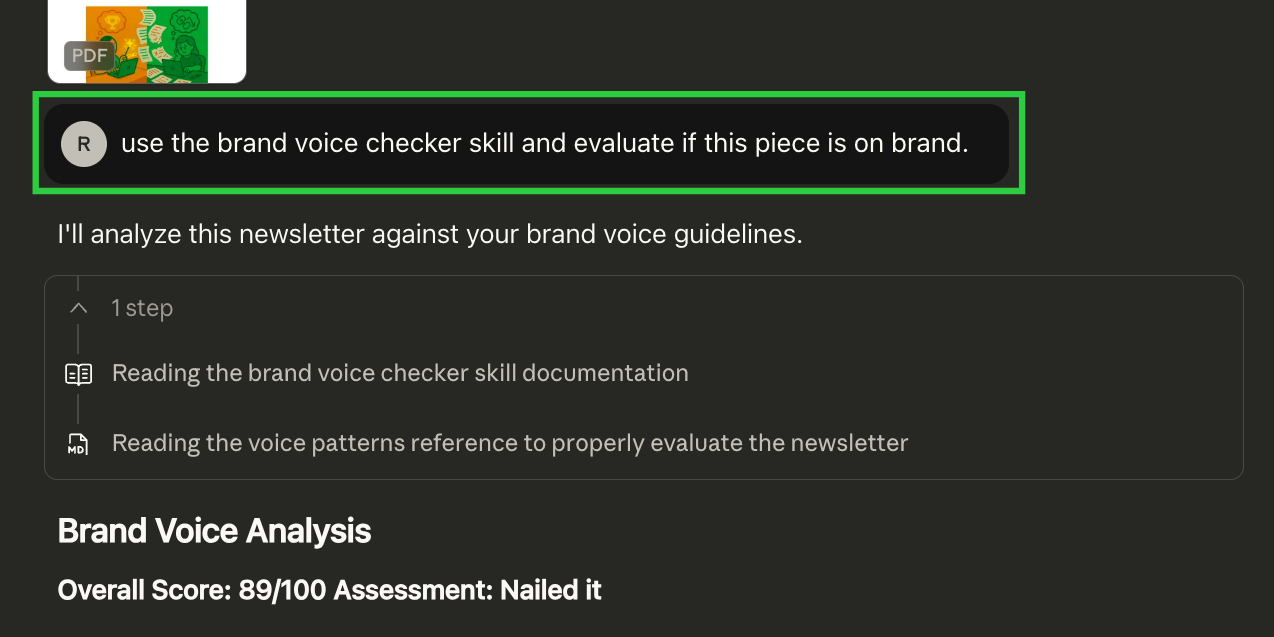
- Capabilities your team can call on demand ("use the Brand Voice Skill for this.")
What Changed for Teams:
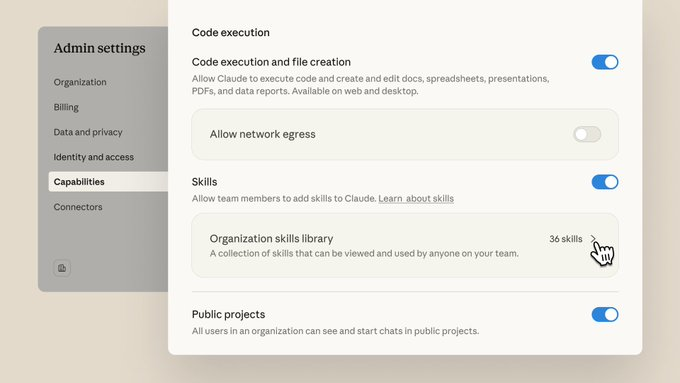
- Anthropic recently made shared Skills available on Team and Enterprise plans
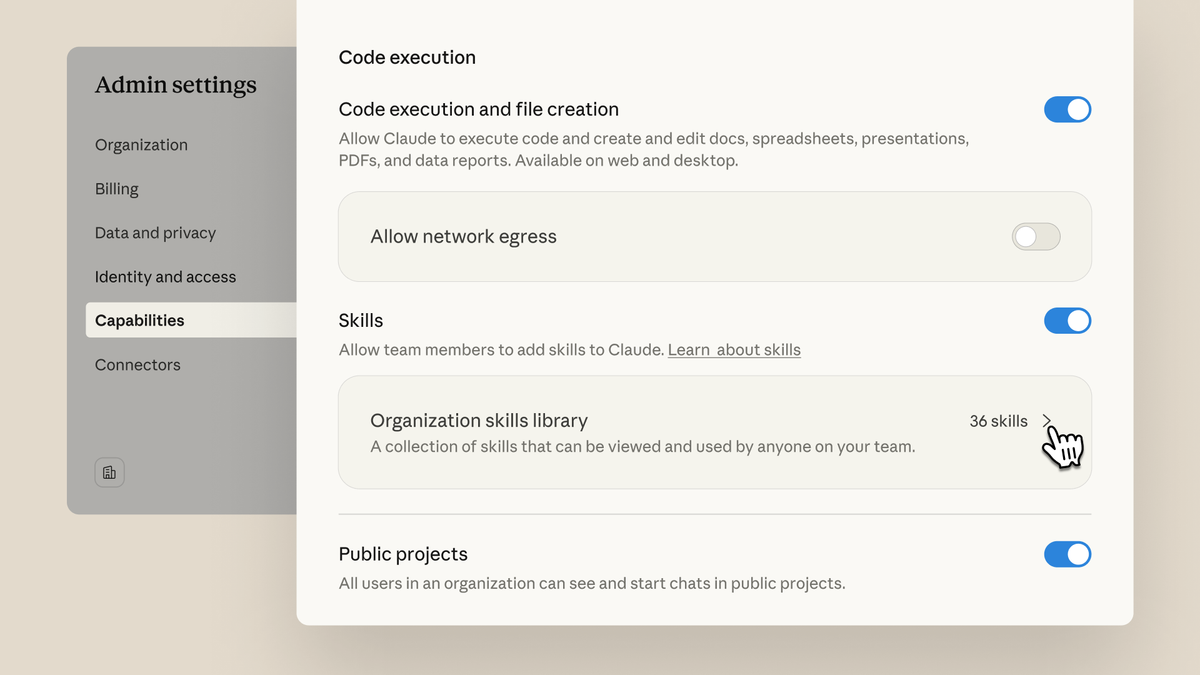
- Admins can create and deploy Skills to specific teams or team members
- Skills Directory includes pre-built Skills for third party tools (Figma, Notion, etc.)
Why This Matters For Teams:
- Accessibility: Allows non-technical teams to use AI structured and strategically
- Agentic Work: AI can take on more work with clear steps, responsibilities, and examples
- Consistency: Employees can follow the same processes (less random prompting)
- Governance: Apply standard procedures like brand guidelines and best practices
- Less Friction: Minimizes individual set-up that cause confusion and inconsistency
Where Teams Should Start:
- Nominate a small group of Skill owners in each function
- Enable Skills via Admin Settings > Capabilities > Skills
- Identify 1-3 workflows per group that have unwritten rules (brand voice, status updates, feedback checklists, etc.)
- Have them use the below steps to set up Skills for these shared tasks
- Have them test and modify them until results meet their needs
- Have them export the Skill file(s) via Settings > Capabilities > Skills > ... > Download
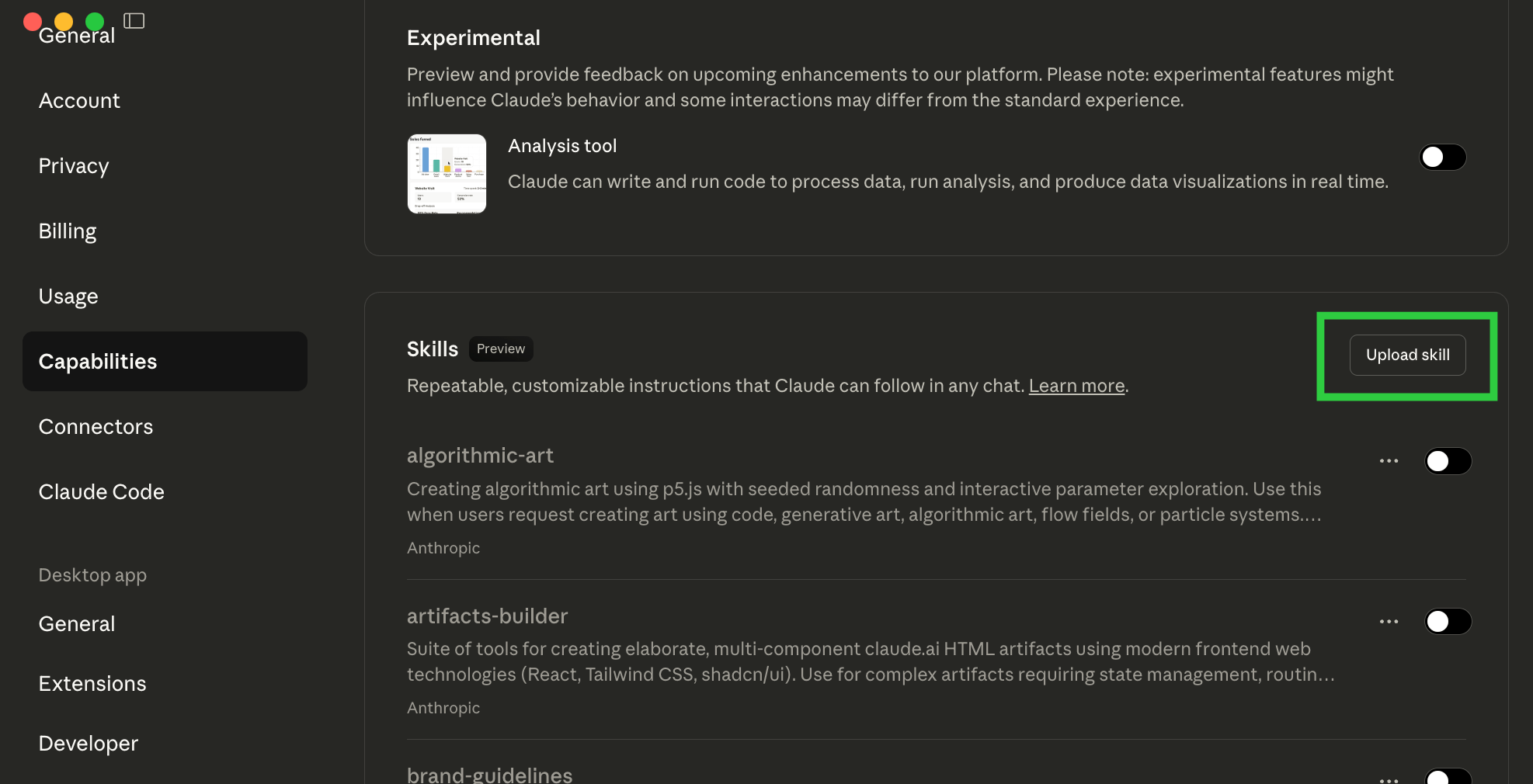
- Upload clearly named Skills files via Admin Settings > Capabilities > Skills
- Provision access to specific team members
- Hold Skill owners accountable for keeping Skills accurate and up-to-date
How to Build Your First Skill in <15 Minutes
Ready? Here's the dead-simple process.
If you're at an org, your admin will need to enable this for you.
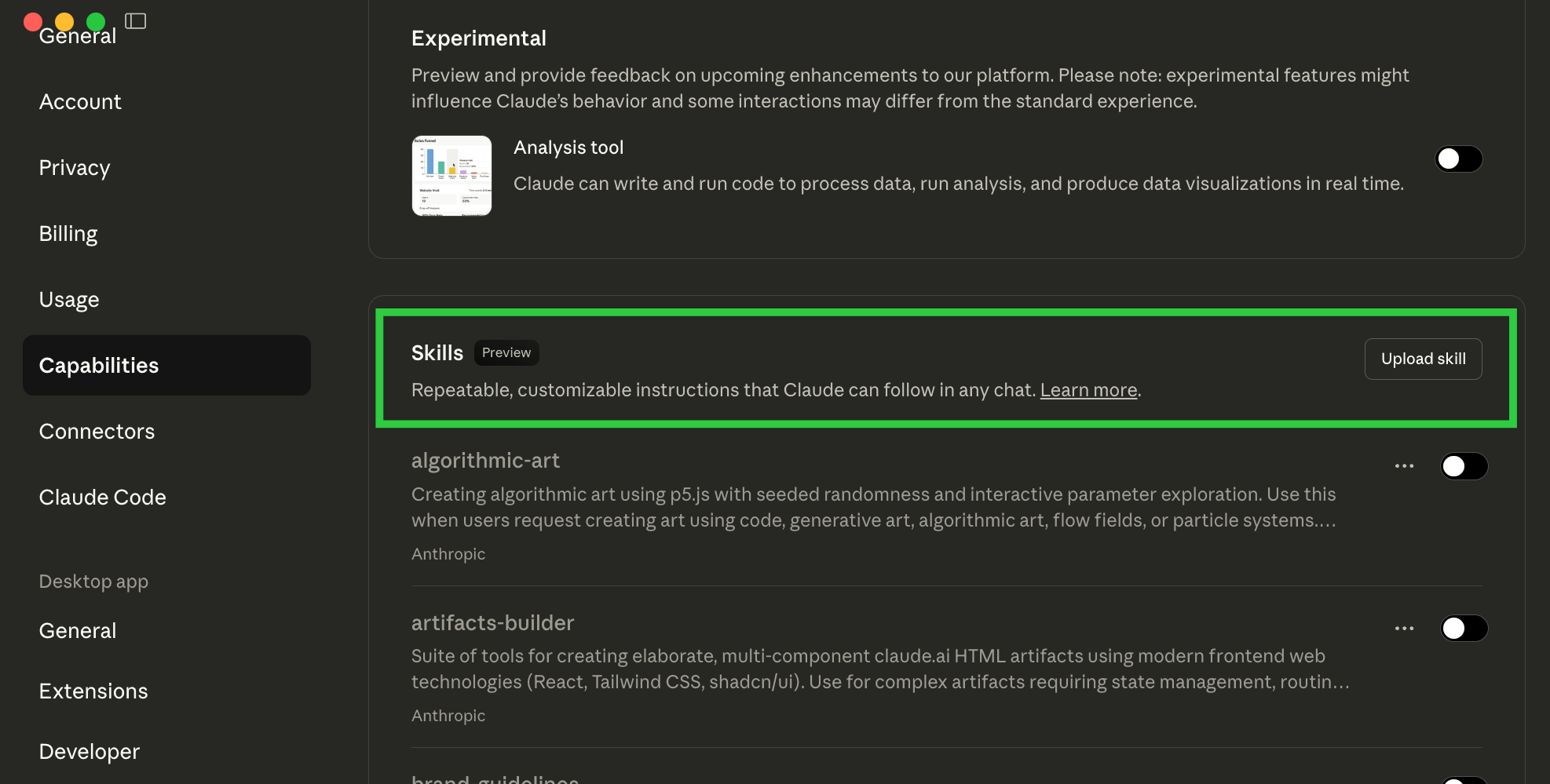
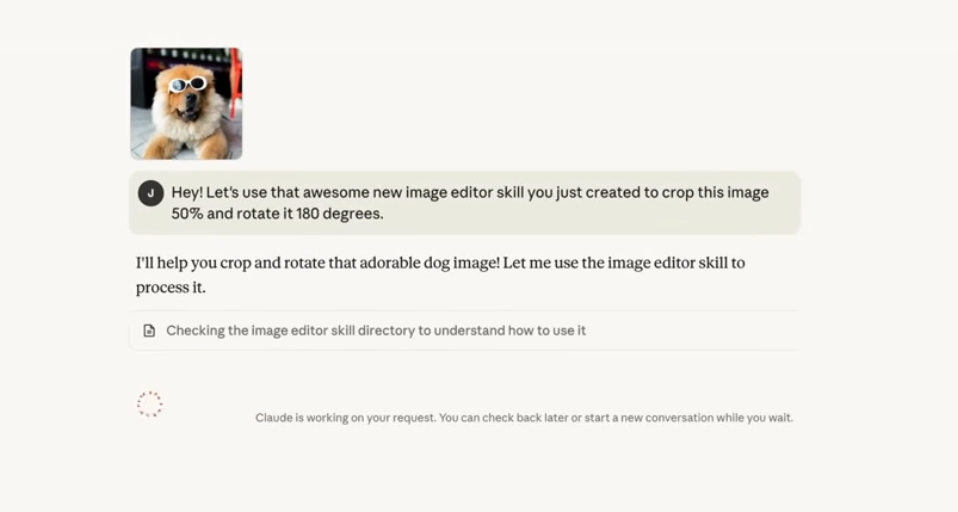
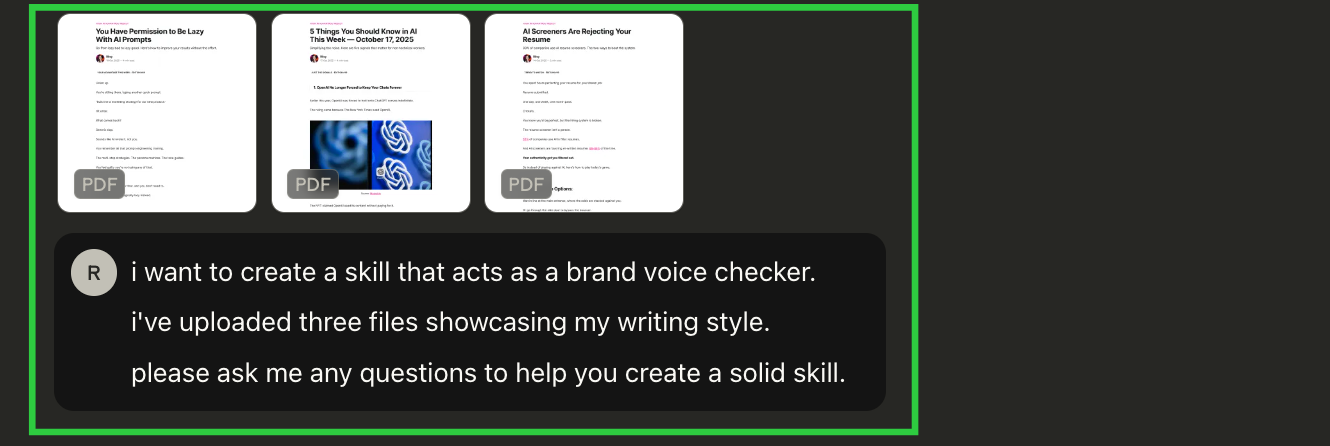
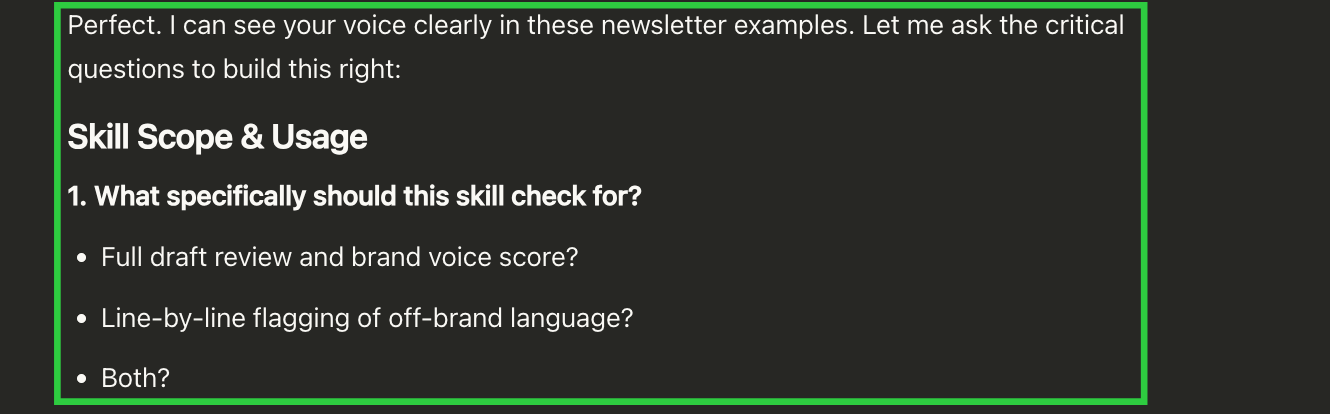
This will call Claude's universal "Skill-Creator" Skill (and you get to see how Skills work).

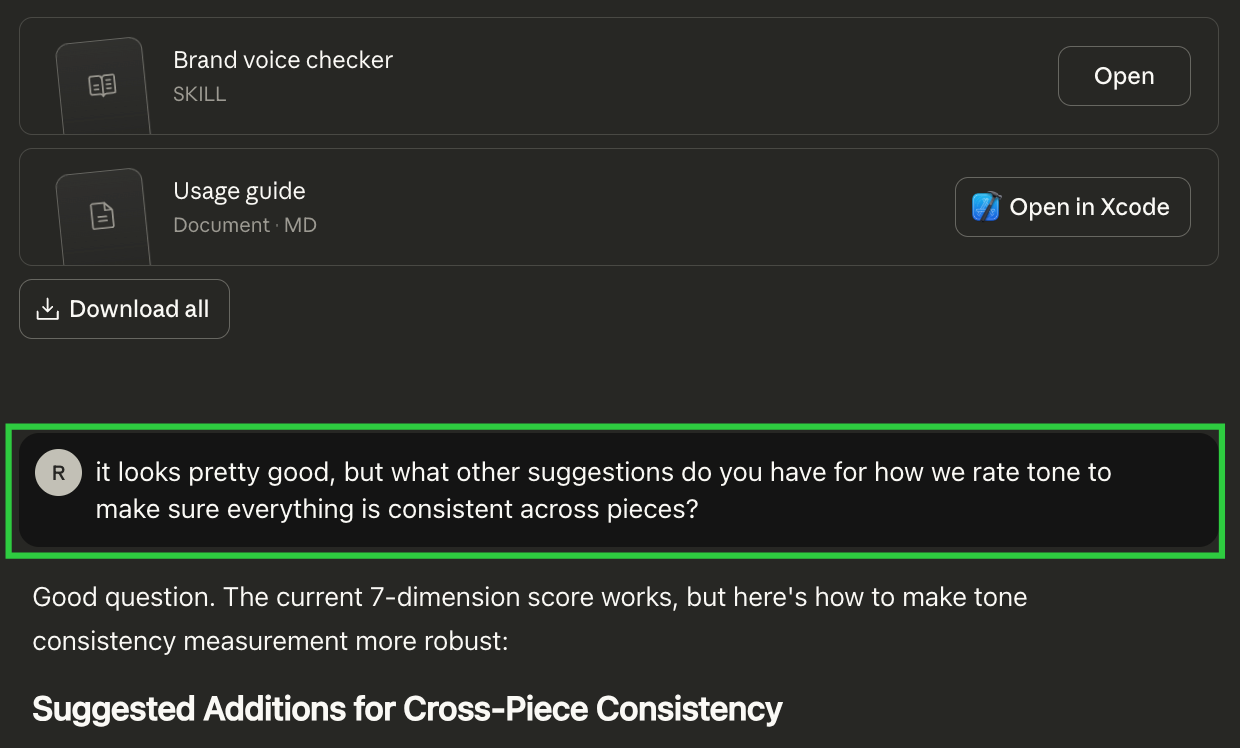
Pro Tip: If you have an existing project or prompt that already captures your process, ask Claude to create a skill that turns itself or a component of it into a Skill.
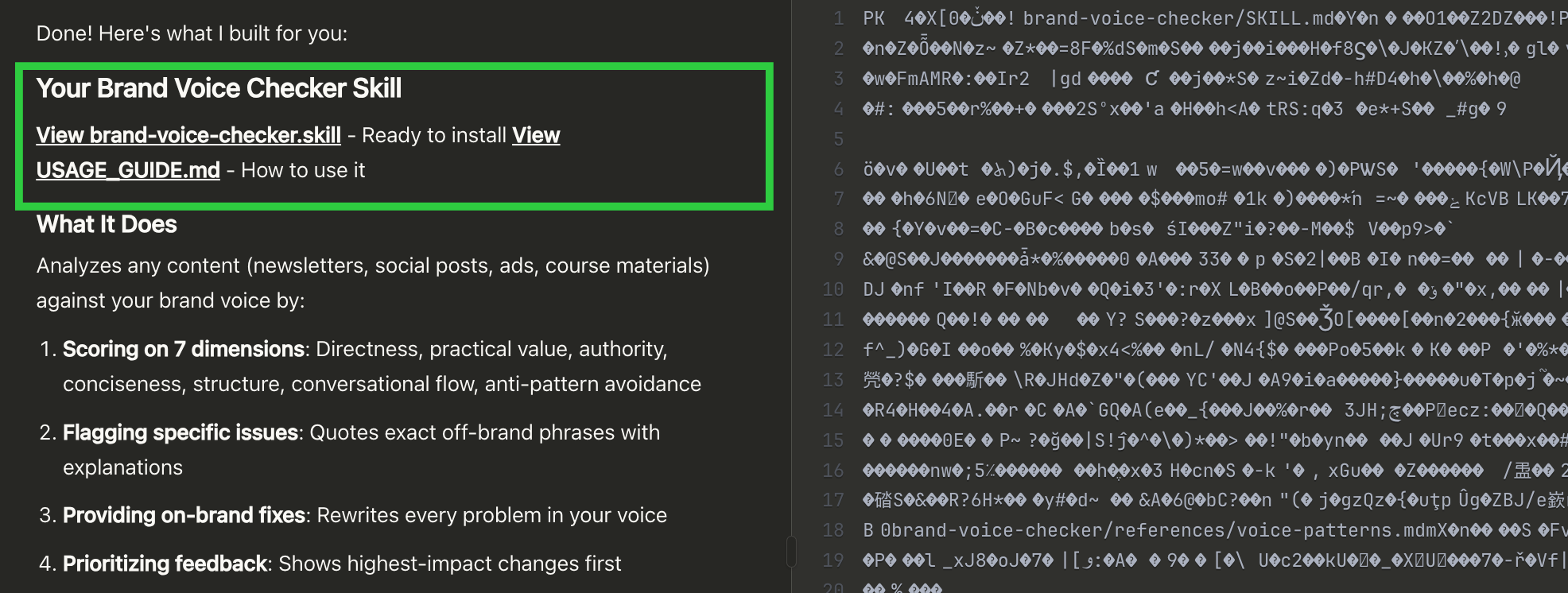
- If you click Enable Skill skip to step 8.
- If you don't see the button go to step 7.
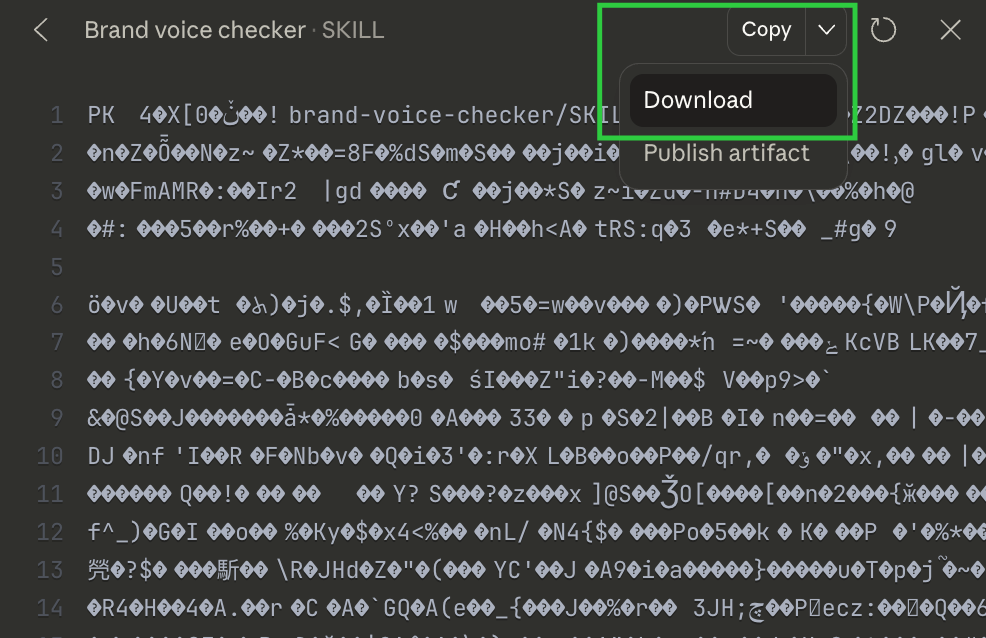
- Select the file you downloaded and upload it to add it to your Skills
- Make sure the toggle is on so you know it's live
- If at an org, you may need to work with your admin team.
Pro Tip: You can also ask your existing projects to use your new skill.
Want More?
Learn More About Skills:
How to Set Up Claude Skills in <15 Minutes for Beginners
Create Advanced Skills Easily:
How to Build Production-Level Claude Skills (Use This Meta-Skill)
Check out these other Guides:
How to Set Up Claude Code in <15 Minutes (for Beginners)
How to Set Up Manus AI Agents in <15 Minutes (for Beginners)
Worth Noting
Anthropic recently posted Agent Skills as an open standard allowing use on other platforms.
Expect to see the Skills available on more platforms soon (Manus recently rolled this out, Skills are also available in ChatGPT Codex).

Not a subscriber yet? Join here for weekly insights on AI, strategy, and the changing workplace.
Found this useful? Forward it to a teammate who’s figuring out AI too.